
Concert Ticket Template
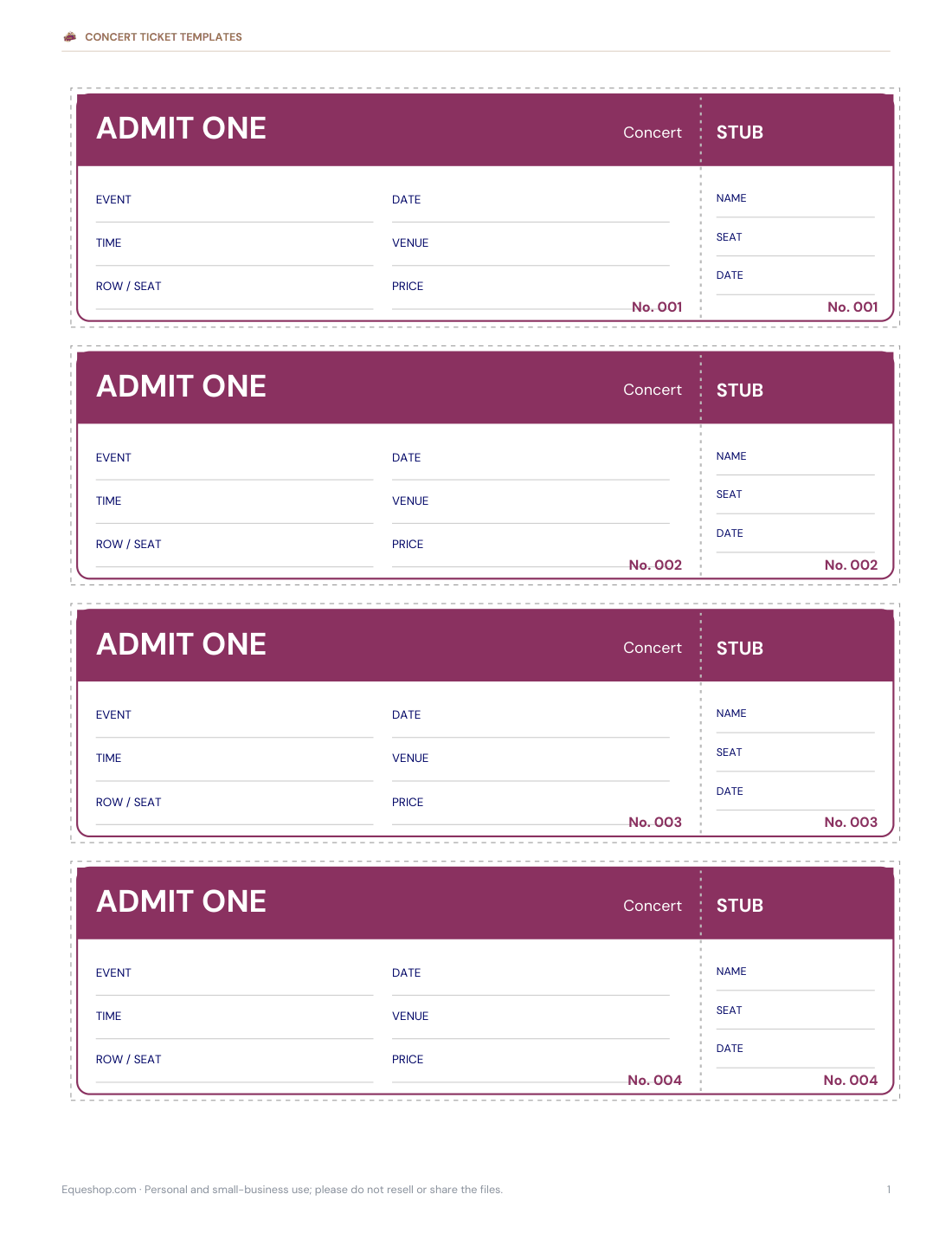
Selling tickets for a school concert, recital, fundraiser or community show? These printable tickets come four to a page with a tear-off stub and sequential numbers, so you can track every ticket sold. Fill in the event, date, time and venue by hand or type them in the Word version, and use the sales log to record who bought which numbers.
- Instant download
- Editable Word & Excel
- Print-ready PDF
- 7-day refund
7 files · PDF, DOCX, XLSX
Concert Ticket Templates
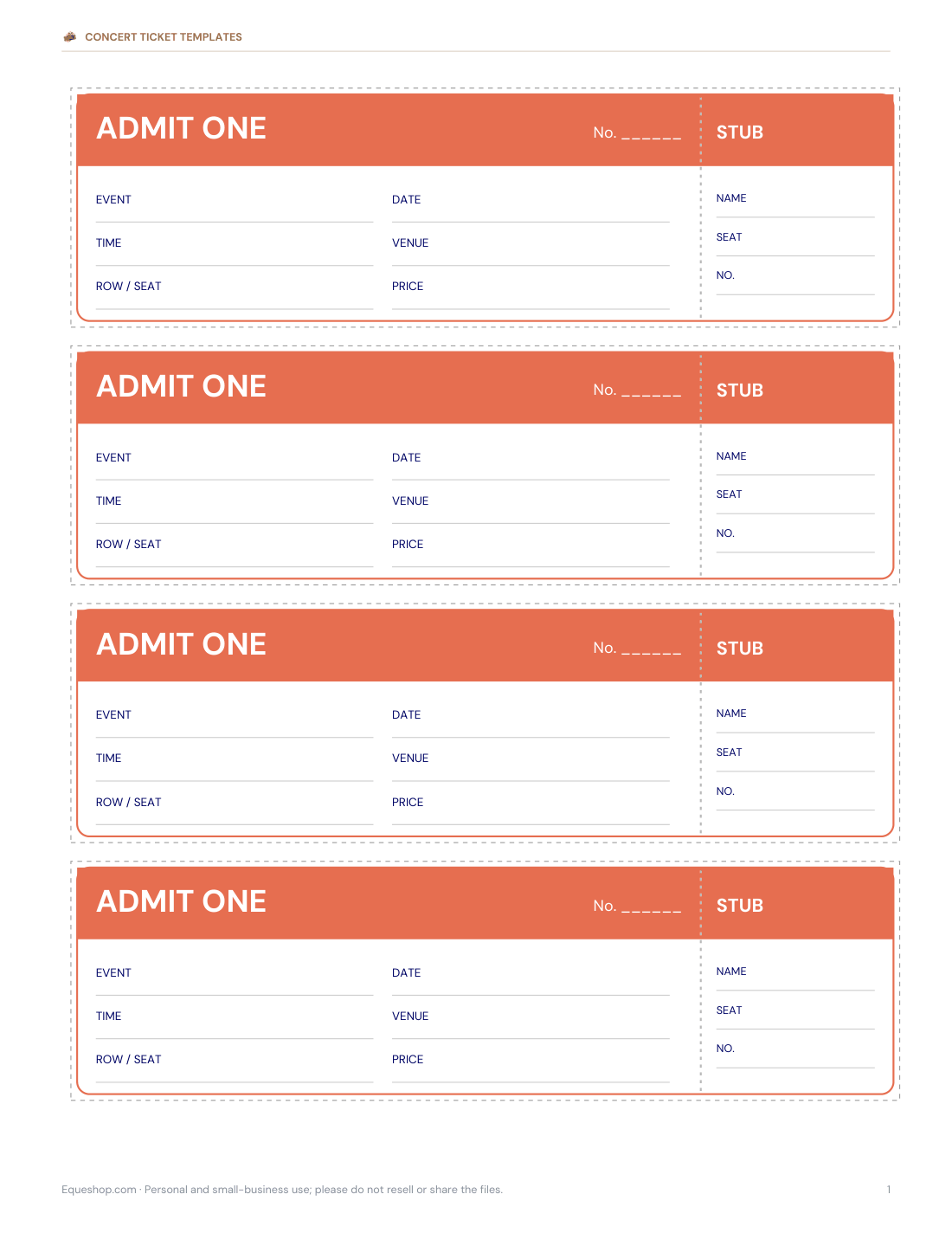
Printable numbered concert and event tickets with stubs (001–100), blank-number versions in four colours, editable Word tickets and an Excel ticket sales log.
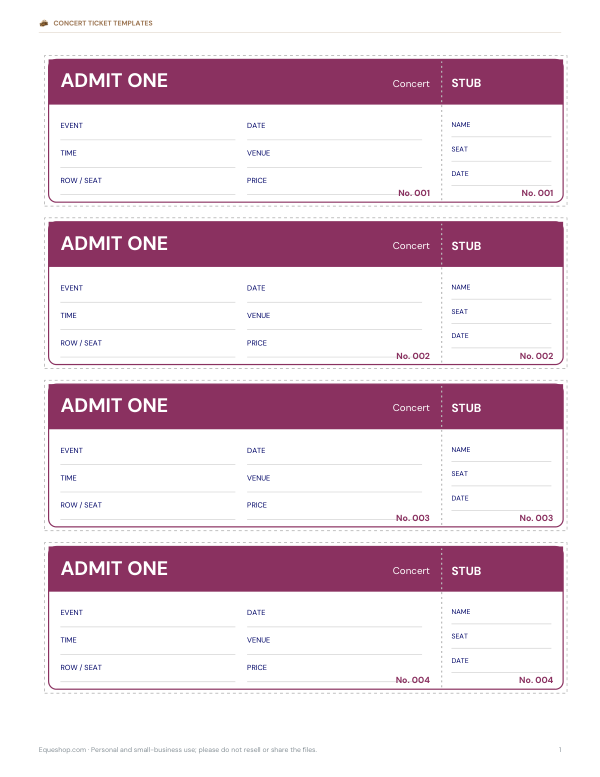
- Numbered tickets 001–100 (PDF)
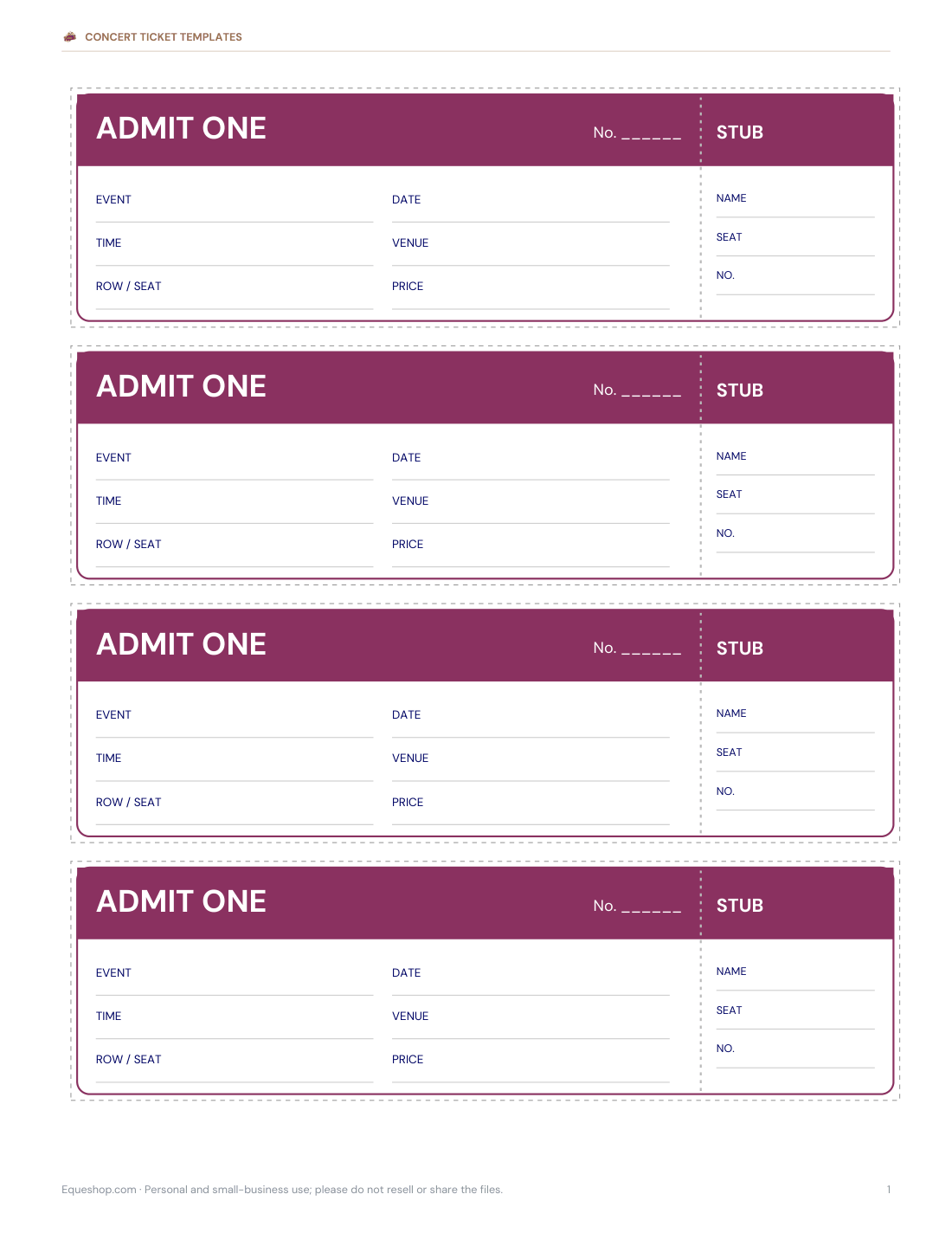
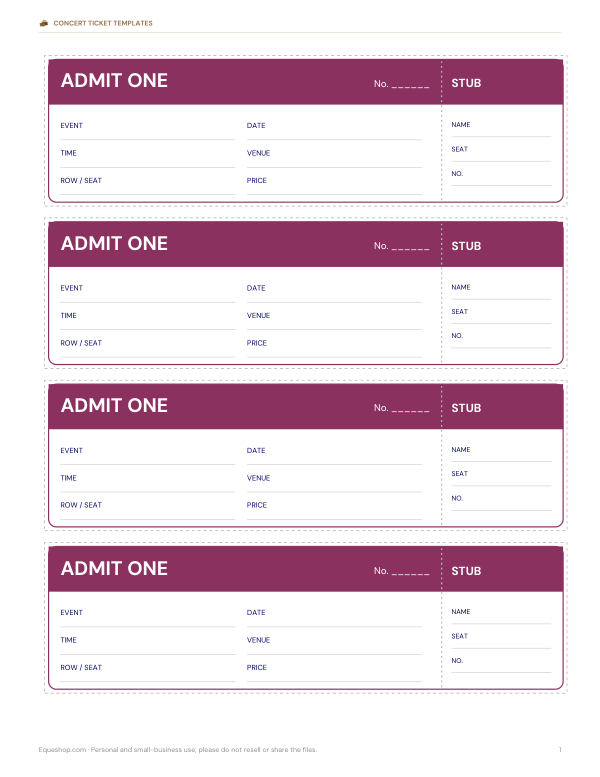
- Plum tickets (blank numbers)
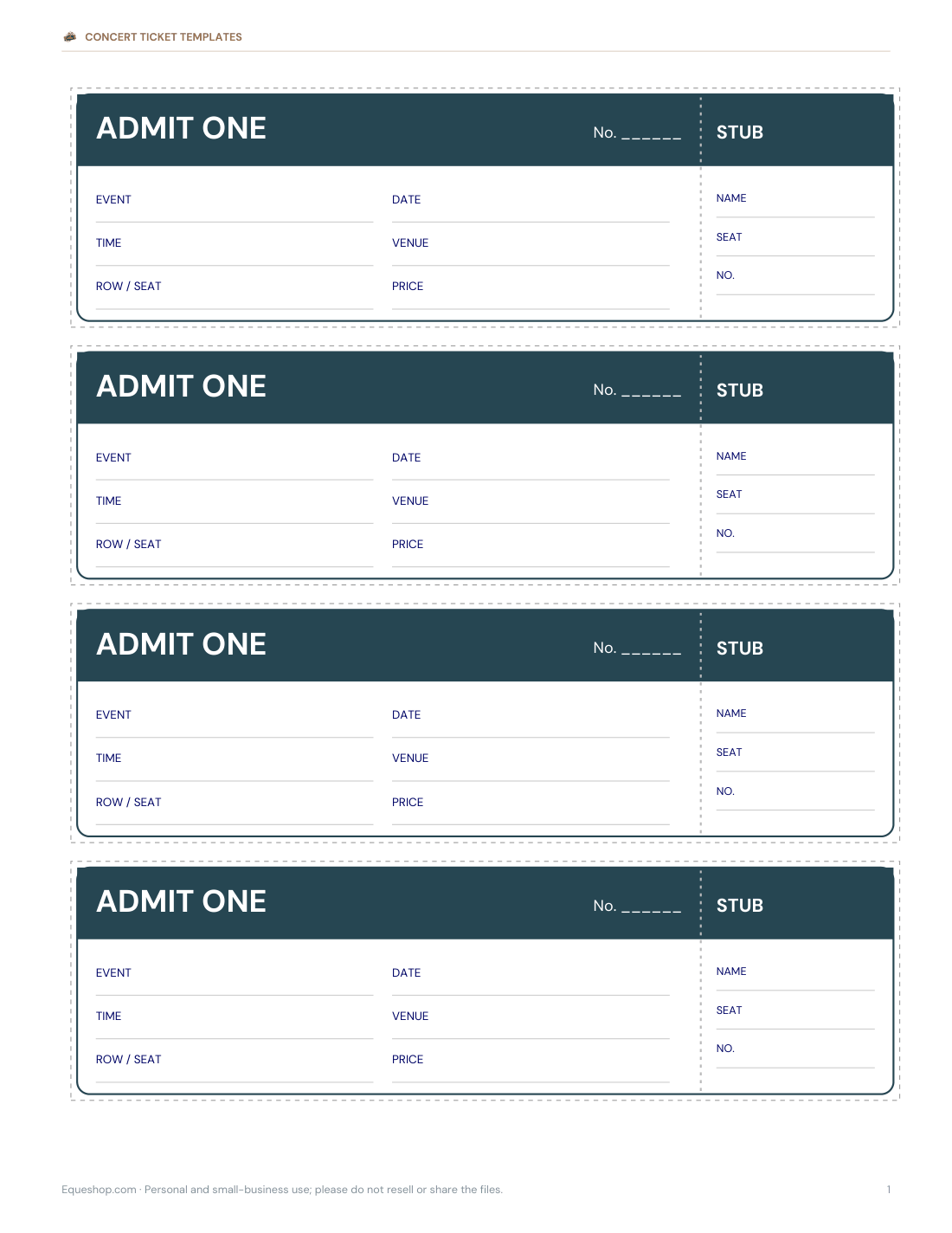
- Navy tickets (blank numbers)
- + 4 more
$5.00 USD, one-time 7 files · about $0.71 each
- Instant download
- 7-day refund
- Secure checkout by Stripe
7-day money-back guarantee. Full refund within 7 days of purchase, even after you download.
Free sample: Numbered Concert Tickets 001 100 (PDF, 107 KB)
Concert Ticket Templates
Printable numbered concert and event tickets with stubs (001–100), blank-number versions in four colours, editable Word tickets and an Excel ticket sales log.
- Numbered tickets 001–100 (PDF)
- Plum tickets (blank numbers)
- Navy tickets (blank numbers)
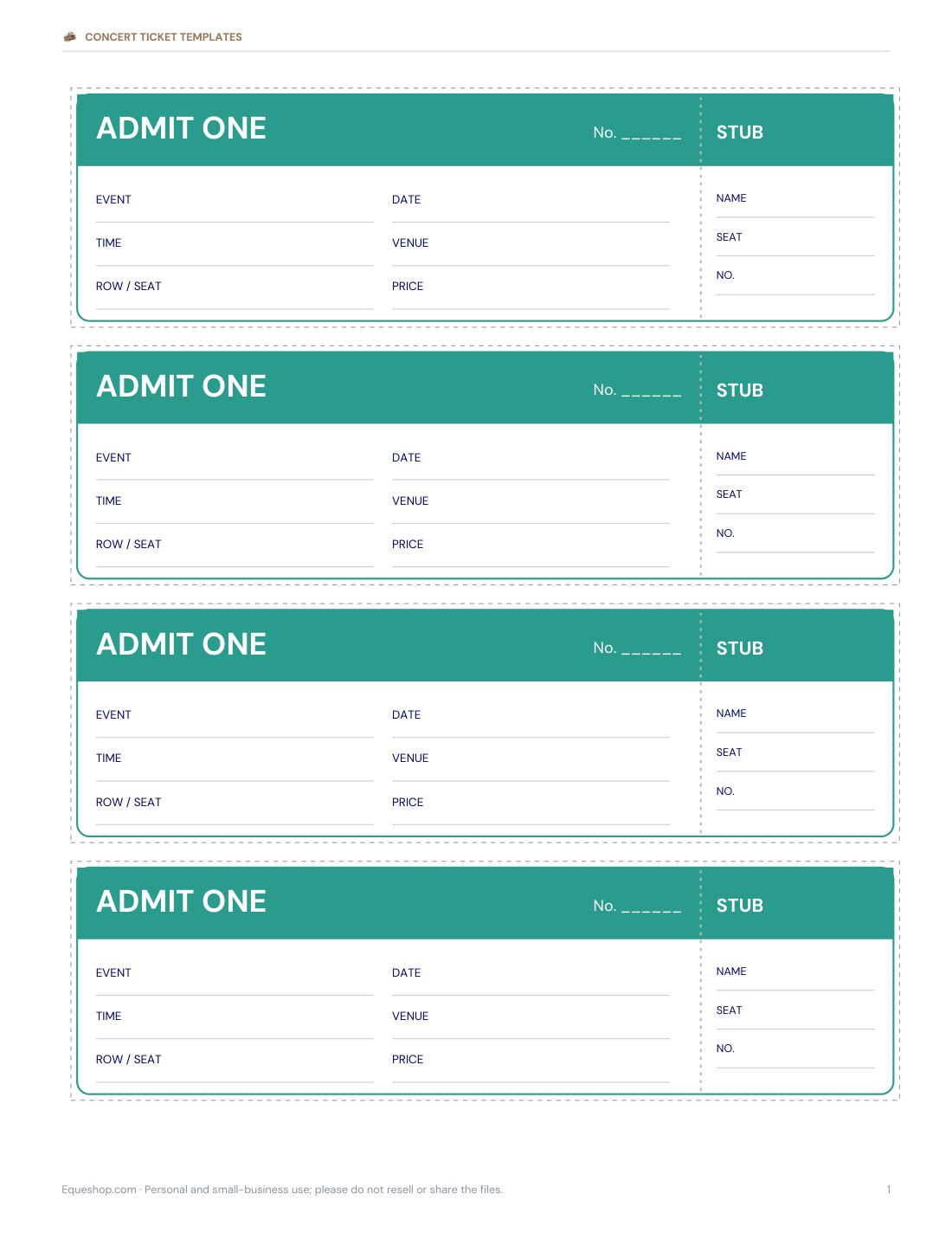
- Teal tickets (blank numbers)
- Coral tickets (blank numbers)
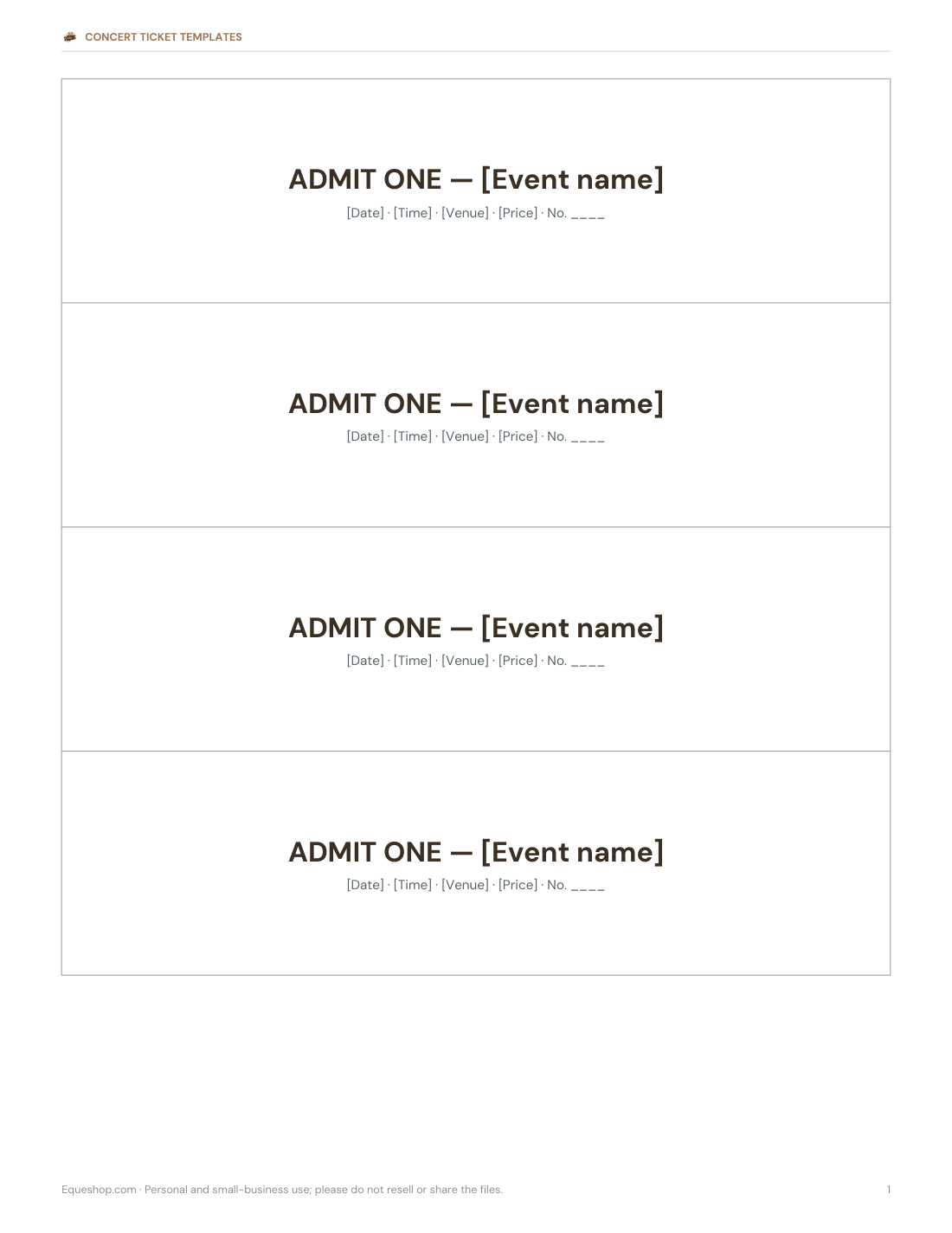
- Editable tickets (DOCX)
- Sales log (XLSX)
Formats: PDF, DOCX, XLSX. Instant download after payment (link valid 72 hours, up to 5 downloads). AI-assisted: the templates were drafted with AI help and reviewed and laid out before publishing.
$5.00 USD, one-time 7 files · about $0.71 each
- Instant download
- 7-day refund
- Secure checkout by Stripe
7-day money-back guarantee. Full refund within 7 days of purchase, even after you download.
Free sample: Numbered Concert Tickets 001 100 (PDF, 107 KB)
Full refund within 7 days — see the refund policy and license.
Free printables
Single sheets you can print right now, no sign-up. The full pack adds every sheet in one download plus the editable files.
 Printable Numbered Concert Tickets 001–10025 pages · free PDF
 Printable Plum Ticket Template1 page · free PDF
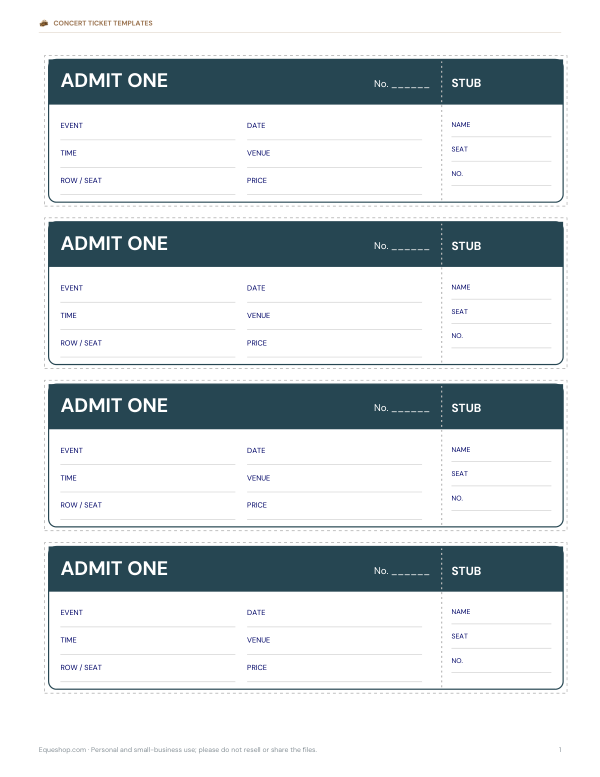 Printable Navy Concert Ticket Template1 page · free PDF
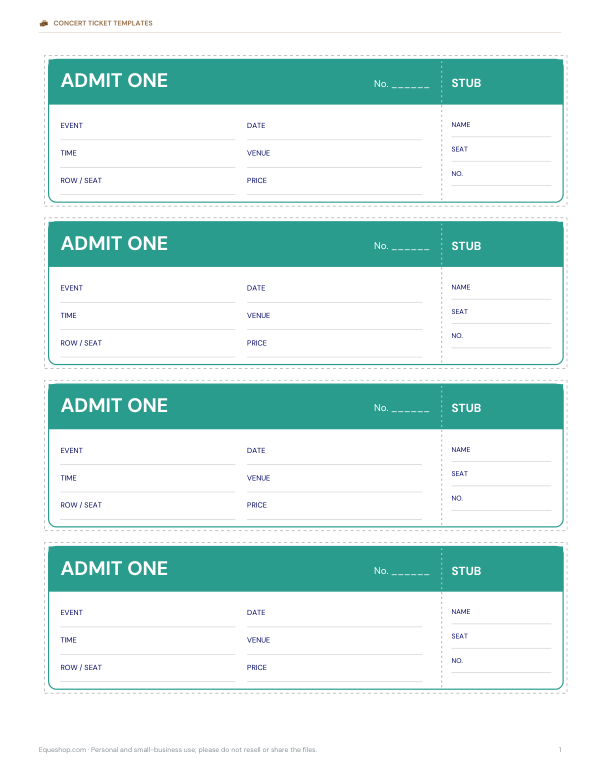 Printable Teal Concert Ticket Template1 page · free PDF
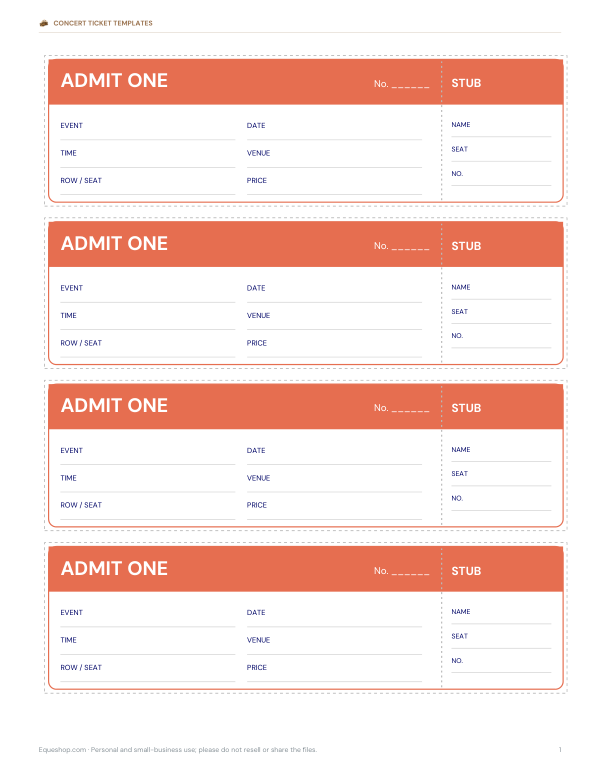 Printable Coral Ticket Template1 page · free PDF
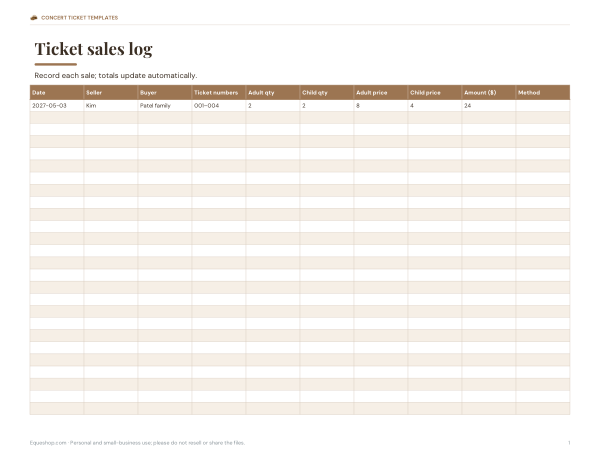 Printable Ticket Sales Log3 pages · free PDF
What to put on a concert ticket
| Detail | Example |
|---|---|
| Event name | Riverside School Spring Concert |
| Date and time | Friday 14 May, doors 6:30 pm, show 7 pm |
| Venue | School hall, 12 River Road |
| Price | $8 adults · $4 children |
| Seating | Row and seat, or “general admission” |
| Ticket number | On both the ticket and the stub |
| Extras | Refund policy, accessibility information, contact |
Numbered tickets and stubs
Numbering tickets lets you count sales, prevent duplicates and run a raffle with the stubs. The templates print ticket numbers on both the ticket and the stub; each sheet continues the sequence, so pages 1–25 give tickets 001–100. Keep stubs in an envelope as you sell, and record numbers in the sales log with the buyer’s name and payment method.
Types of events
- School concerts and plays — manage limited hall seating.
- Dance and music recitals — family seating and reserved rows.
- Fundraisers and galas — numbered tickets double as raffle entries.
- Community theatre — general admission with a door count.
- Church and choir concerts — free tickets to control capacity.
- Band nights — pre-sale tickets for local venues.
Selling tickets smoothly
- Set the number of tickets from the venue’s safe capacity, keeping some for staff and performers.
- Decide prices and any concessions.
- Number the tickets and record the range given to each seller.
- Keep a float of change and a simple cash log, or accept card payments with a card reader.
- Record each sale in the log: ticket numbers, buyer, amount, method.
- Reconcile tickets sold against money received after each selling session.
- On the night, tear the stub at the door and keep stubs as your attendance count.
Designs in the pack
- Four colour ticket designs with “ADMIT ONE” headers and stubs.
- Sequential numbering from 001 to 100 across the set.
- Blank-number versions for handwritten numbering.
- Editable Word tickets to type event details.
- Excel ticket sales log with running totals.
Worked example: a school spring concert
The hall holds 180 people, so the PTA prints 160 numbered tickets: 001–100 from the numbered set and 60 more from the blank version numbered by hand. Adult tickets cost $8 and children’s $4. Two volunteers each take 50 tickets and record sales in the shared log. After a week, 146 tickets are sold for $968; on the night, stubs torn at the door show 139 people attended.
Pricing and concessions
Many school and community events use two or three price bands: adults, children or students, and families. A family ticket (for example two adults and two children) encourages groups and simplifies change-giving. Free tickets for performers’ families or volunteers still help you count people in the room, which matters for fire safety limits.
Security tips
For events where fake tickets are a concern, print on coloured card, add a hand-stamped or signed mark, and keep a list of ticket numbers sold. Tearing stubs at the door prevents tickets from being reused.
Formats
Print-ready PDF tickets (US Letter, four per page; A4 with “Fit to page”), editable Word tickets and an Excel sales log.
Frequently asked questions
How do I number tickets?
Use the pre-numbered PDF set (001–100) or write numbers on the blank version.
What paper should I print tickets on?
Card stock or coloured paper makes tickets sturdier and harder to copy.
What should a ticket include?
Event, date and time, venue, price, seat or general admission, and a ticket number.
Can I edit the ticket?
Yes, with the Word template.
How many tickets fit on a page?
Four tickets with stubs per US Letter page.
Was AI used to create the templates?
The designs were generated by script and text drafted with AI assistance, then reviewed before publishing.